Pricing
Pay for speed. Not bloat.
The fast, private remote desktop for your own machines. We win on price and performance, not a checklist of features you'll never open. Start free with 2 devices, scale when you're ready, and never get locked in.
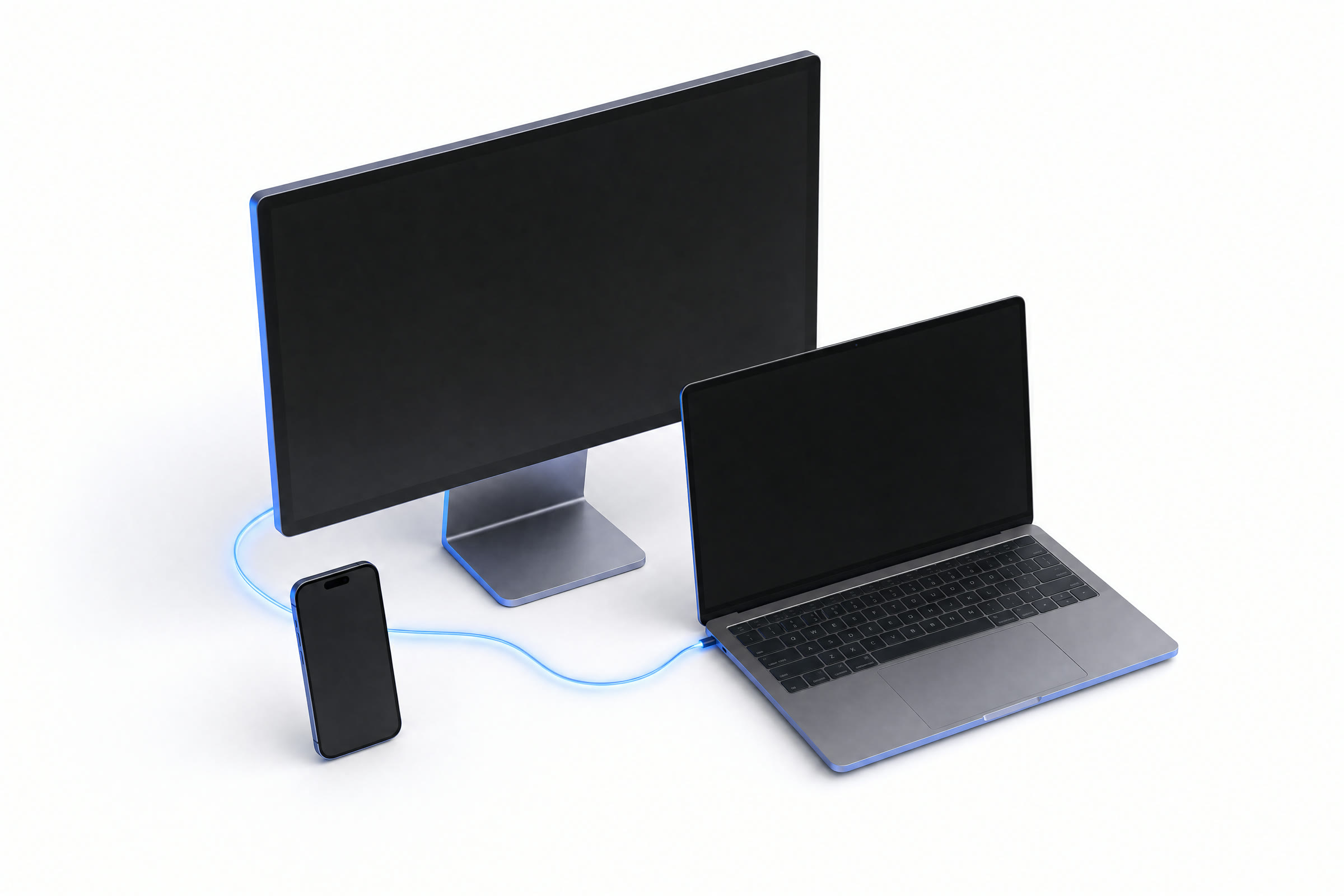
Free
Reach your own laptop and desktop from anywhere, free forever.
- 2 devices, 1 concurrent session
- 1080p60, single monitor
- Personal, non-commercial use
- Best-effort If a direct link isn't possible, traffic takes a backup route, still scrambled so the relay can't see your screen.
- Scrambled so only your own devices can read it. No one in between, including us, can see your screen.
- Community support
Solo
For power users who live in remote sessions.
- Unlimited personal devices
- Full color with nothing smeared away, so photos, video, and small text stay sharp and accurate. at 120fps
- See and use every screen on the remote machine, not just one.
- Guaranteed / priority If a direct link isn't possible, traffic takes a backup route, still scrambled so the relay can't see your screen.
- Commercial use, file transfer, wake-on-LAN
- Scrambled so only your own devices can read it. No one in between, including us, can see your screen., email support
Tech
For support teams managing endpoints at scale.
- Unlimited managed The machines you connect to. With RealFrame you can add as many as you want.
- Admin console, Let your team sign in with your existing company login (Google, Okta, Microsoft, and so on). + Give each person exactly the access they need, and nothing more.
- Session A record of who connected to what and when, for security and compliance.
- Commercial license
- Central billing
- Priority support
Enterprise
Custom controls, compliance, and onboarding.
- Everything in Tech
- Enterprise standards that connect RealFrame to your identity provider and create or remove users automatically. provisioning
- Advanced audit + retention
- Dedicated regions, SLA
- Guided onboarding
- Dedicated support
Self-Host
Host the entire stack on your own infrastructure, so pixels never leave the building. Free for personal, non-commercial use; a commercial license is $499 a year.
- Free for personal, non-commercial use
- Self-hosted relay, all core features
- Windows, Linux and Mac hosts
- Commercial license $499 / year
01Compare plans
Every plan, side by side.
The full breakdown. Pick the line that matters most to you.
| Features | Free | Solo | Tech | Enterprise |
|---|---|---|---|---|
| Streaming & platforms | ||||
| Picture quality | 1080p60 | Full color with nothing smeared away, so photos, video, and small text stay sharp and accurate. | Full color with nothing smeared away, so photos, video, and small text stay sharp and accurate. | Full color with nothing smeared away, so photos, video, and small text stay sharp and accurate. |
| Windows & Linux hosts | ||||
| See and use every screen on the remote machine, not just one. | · | |||
| The machines you connect to. With RealFrame you can add as many as you want. | 2 devices | Your machines | Unlimited | Unlimited |
| Scrambled so only your own devices can read it. No one in between, including us, can see your screen. | ||||
| Connectivity | ||||
| Your devices connect straight to each other instead of routing through a middleman server. | ||||
| If a direct link isn't possible, traffic takes a backup route, still scrambled so the relay can't see your screen. | Best-effort | Priority | Priority | Dedicated |
| No VPN, no port-forwarding | ||||
| Commercial use included | · | |||
| Team & security | ||||
| Admin console | · | · | ||
| Let your team sign in with your existing company login (Google, Okta, Microsoft, and so on). + Give each person exactly the access they need, and nothing more. | · | · | ||
| Session A record of who connected to what and when, for security and compliance. | · | · | Advanced | |
| Enterprise standards that connect RealFrame to your identity provider and create or remove users automatically. | · | · | · | |
| Dedicated infrastructure + SLA | · | · | · | |
| Support | ||||
| Support | Community | Priority | 24/7 + SLA | |
02FAQ
Questions, answered.
The things teams ask before they switch.
Is there a free plan?
Yes. The Free plan is hosted and free forever: 2 devices, one session at a time, and 1080p on a single monitor, for personal, non-commercial use. No credit card required.
What is a concurrent technician?
On the Tech plan you pay $149 a year per technician connected at the same time, with unlimited machines. A two-person help desk that never has more than two people in sessions at once needs two Counted by how many of your people are in live sessions at the same time, not how many machines you support., no matter how many machines they support.
Can I self-host?
Yes. Self-hosting is free for personal, non-commercial use; a commercial license is $499 a year. Either way it runs the whole stack on your own network, so traffic stays inside your walls. Solo and Tech are managed: you install the host app and connect from anywhere, with no VPN, port-forwarding, or setup. Every session is Scrambled so only your own devices can read it. No one in between, including us, can see your screen..
Which platforms are supported?
Hosts run on Windows and Linux. Clients run on Windows, macOS, and Linux today, with iOS and Android coming soon.
Is it really private?
Yes. Every session is Scrambled so only your own devices can read it. No one in between, including us, can see your screen., so only your own devices can read it. Devices connect Your devices connect straight to each other instead of routing through a middleman server. whenever possible; when a If a direct link isn't possible, traffic takes a backup route, still scrambled so the relay can't see your screen. is needed it can never see your screen.
Do I need a credit card to start?
No. You can start on the Free plan, and we never ask for a card up front. Upgrade to Solo or Tech when you are ready, and change plans anytime with no lock-in.
Get started
Your desktop is waiting.
Connect your first machine in under a minute. Free to start: no VPN to configure, no port-forwarding, no IT ticket.