Product
Remote that feels real.
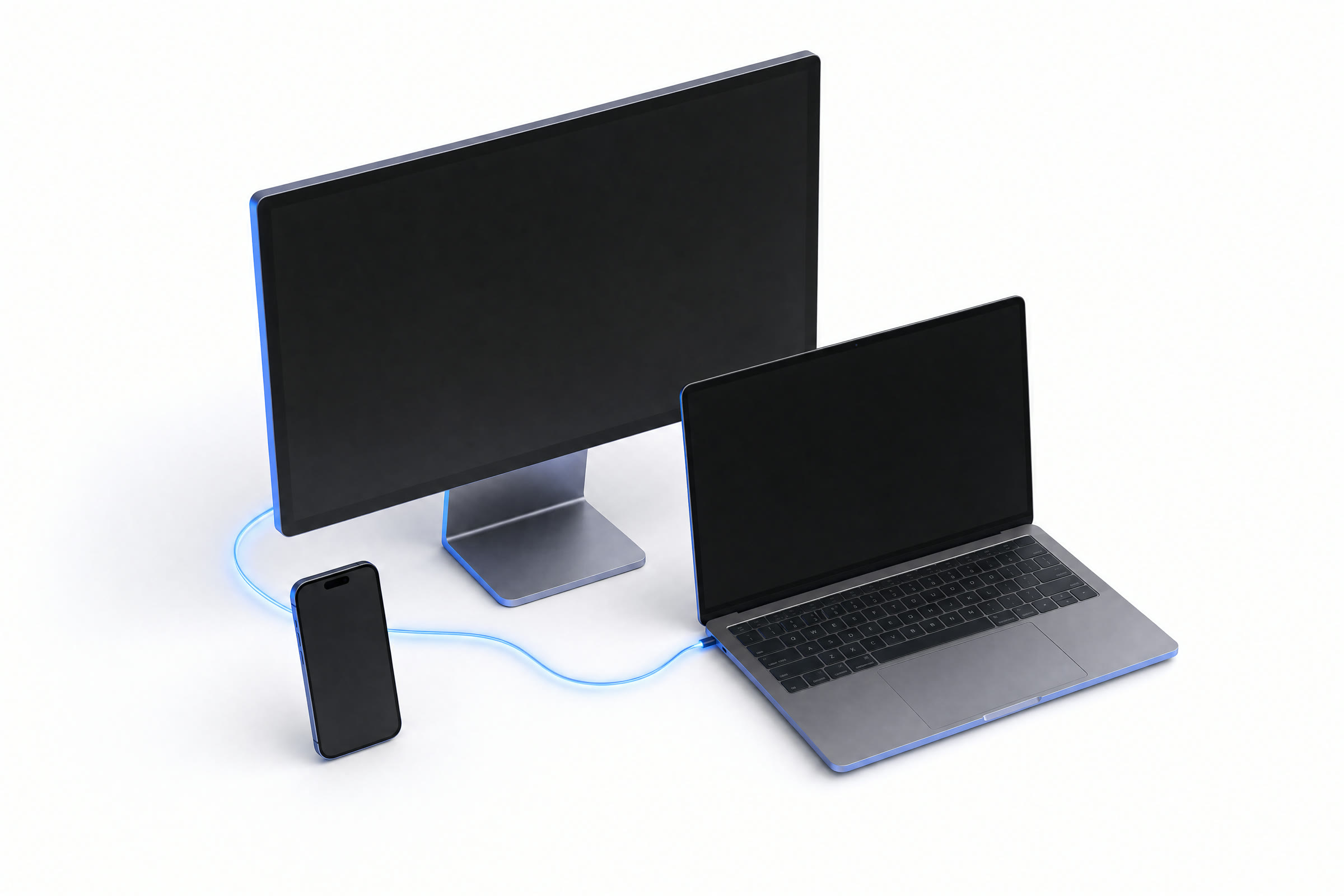
Your machine feels one frame away, wherever you are. A direct, secure connection means no VPN, no port-forwarding, and nothing to configure.
01How it works
Four steps. One frame.
Every change on your screen takes the same short path to your eyes, so working remotely feels exactly like working local.
Capture
We grab your screen the instant anything on it changes.
instantCompress
We shrink it in real time and send only the parts that actually changed.
real-timeSend
It travels a direct, secure path straight to the device in your hands.
direct and secureShow
Your device paints it in well under a frame, so it feels local.
feels local02See it in action
Watch a session, end to end.
Two minutes from connect to cursor: sharp, true-to-life color and input that keeps up, nothing sped up.
03Capabilities
Sharp. Fast. Locked down.
The features that make RealFrame feel less like remote access and more like sitting down at the machine.
True-to-life color
Grade footage and read fine text exactly as it looks on the host, at native resolution, in Full color with nothing smeared away, so photos, video, and small text stay sharp and accurate..
Input that keeps up
Keystrokes and cursor moves land before the next frame draws. Remote stops feeling remote.
Private by default
Every session is Scrambled so only your own devices can read it. No one in between, including us, can see your screen.. Your screen and what you type stay yours, the whole way.
Every screen, full color
Bring your whole desk with See and use every screen on the remote machine, not just one. support: each display, at native resolution and true color.
Clipboard sync
Copy here, paste there. Clipboard text moves with you across the connection, no extra steps.
Windows, Linux and Mac hosts
Host a Windows, Linux or Mac machine. Connect from Windows, macOS, and Linux today, with an iPhone app in beta.
04Anywhere access
One fleet. Every device.
Reach any machine from any screen. Your hosts stay always-on and one click away, home or halfway across the planet.
- Native apps for Windows, macOS, and Linux
- Wake-on-LAN and always-on hosts
- Move between your devices without reconnecting
- Studio-PCWindows · online
- Edit-BayWindows · online
- Render NodeLinux · idle
- Field-BoxLinux · offline
05Connects itself
Direct by default. Encrypted always.
Sessions connect your devices straight to each other whenever possible. If a direct link isn't available, traffic takes a secure backup route that never sees your screen. No VPN, no port-forwarding, no config.
06Cross-platform
Any desktop to any desktop.
Host a Windows, Linux or Mac machine, then watch and control it from any of the three. Phones and tablets are for watching, not hosting.
| Host ↓ · Watch from → | macOS | Linux | Windows |
|---|---|---|---|
| Linux | ✓ | ✓ | ✓ |
| Windows | ✓ | ✓ | ✓ |
| macOS | ✓ | ✓ | ✓ |
A stream from a Windows host plays cleanly on a Mac: it works across different brands and chips. Every device decodes on its own hardware at 30 fps.
- Host from Windows, Linux or a Mac
- Watch and control from Windows, Mac, or Linux today
- Smooth 30 fps on every device
iOS and Android viewers coming soon
Get started
Your desktop is waiting.
Connect your first machine in under a minute. Free to start: no VPN to configure, no port-forwarding, no IT ticket.